
 RENODEM
Run your renovation like a site supervisor would.
Built by someone with 15+ years in Australian residential construction. Renodem puts the systems builders use to track money, trades and defects into one app for homeowners.
See the real app
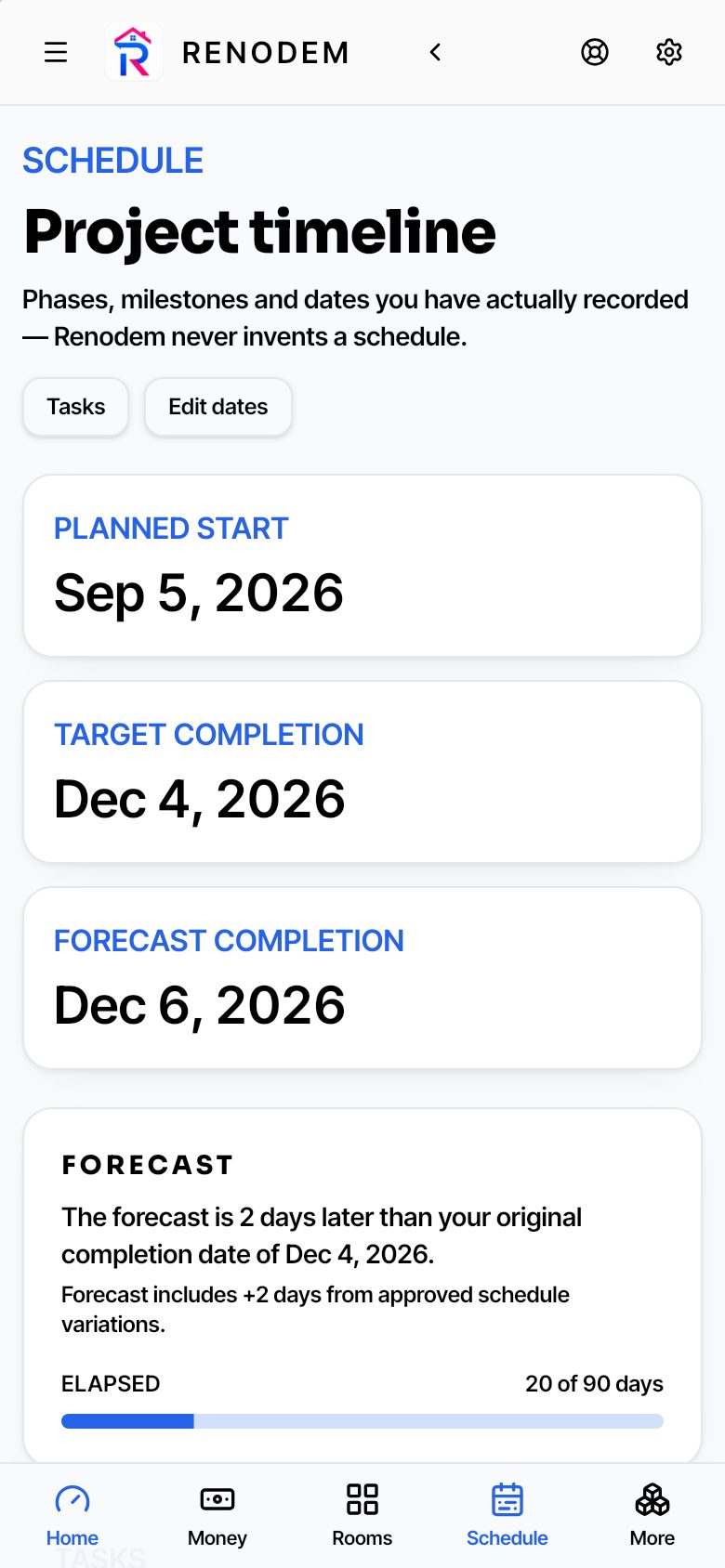
Screens from Renodem's demo project. Swipe to see more.
Know where every dollar is
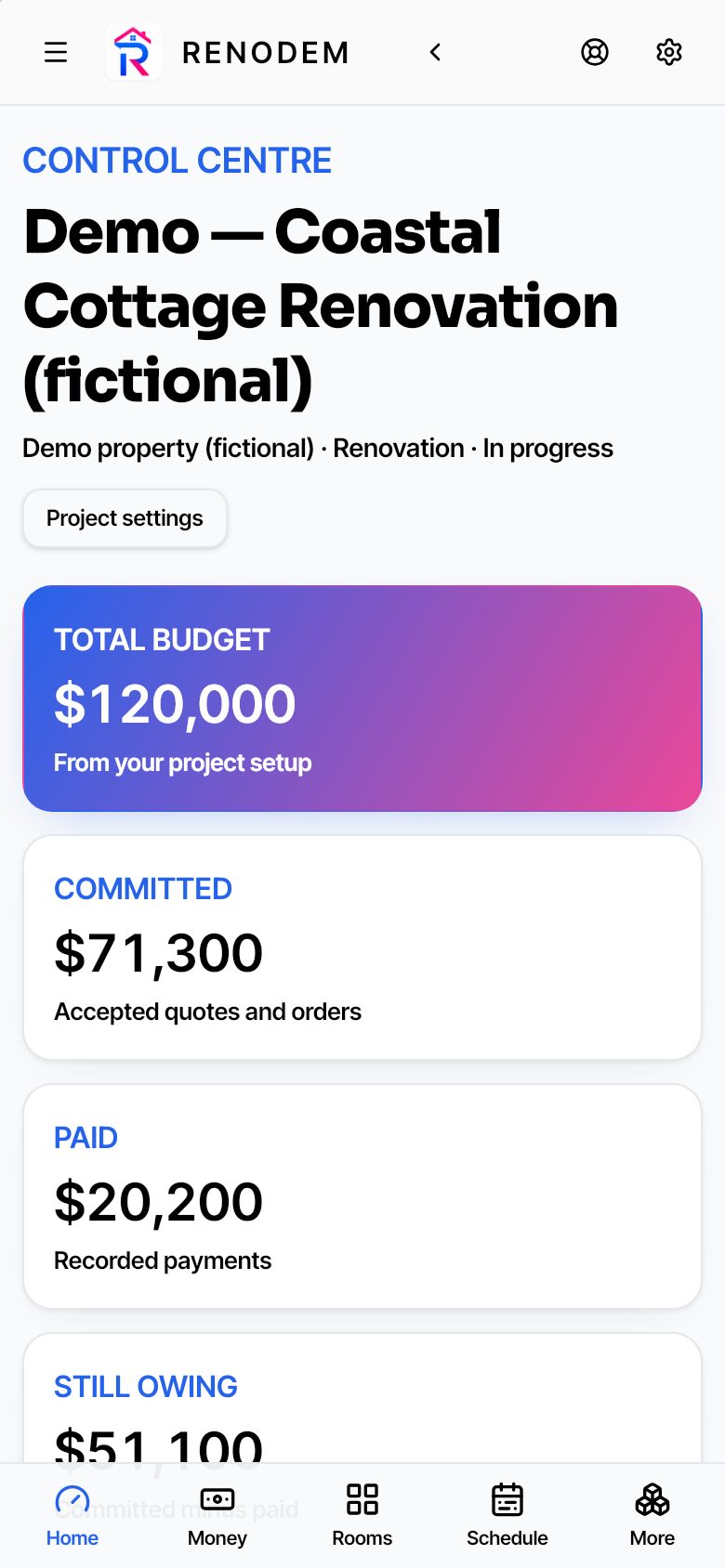
Renovations rarely blow out in one hit. They blow out through untracked variations, double-paid deposits and quotes that quietly changed. Renodem keeps five numbers in front of you:
- Committed
- Money you've agreed to spend through accepted quotes and orders.
- Paid
- Every payment you've actually made, recorded as you go.
- Outstanding
- What you still owe on the work you've committed to.
- Uncommitted
- Budget not yet promised to anyone.
- Forecast headroom
- What's left once expected costs and variations are counted.
Everything in one place
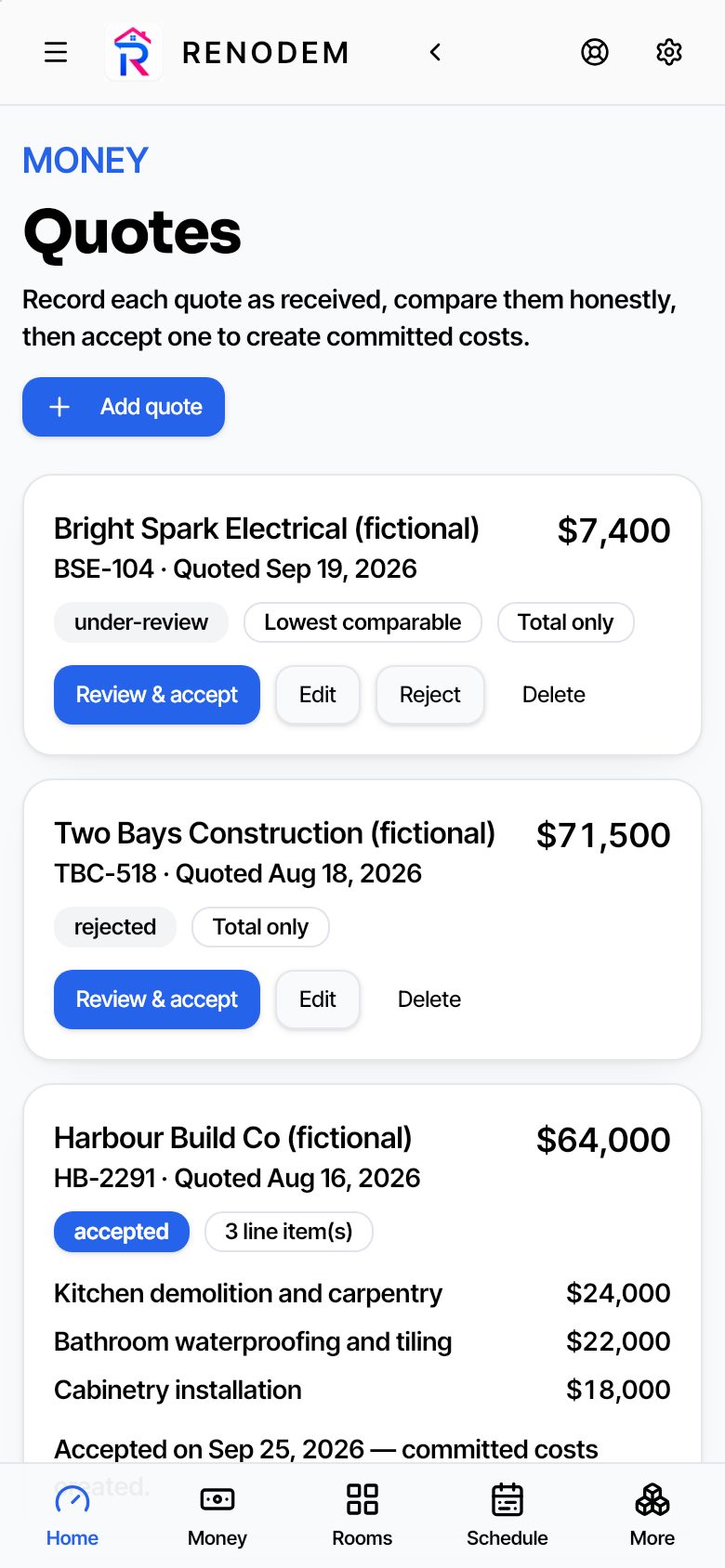
Quotes and variations
Compare quotes, accept one, and log every change to the price.
Trades and suppliers
Contacts, licences, quotes and payments for everyone on the job.
Schedule and tasks
Dates, milestones and the to-do list that keeps the job moving.
Compliance
Permits, inspections and insurance, with dates and documents.
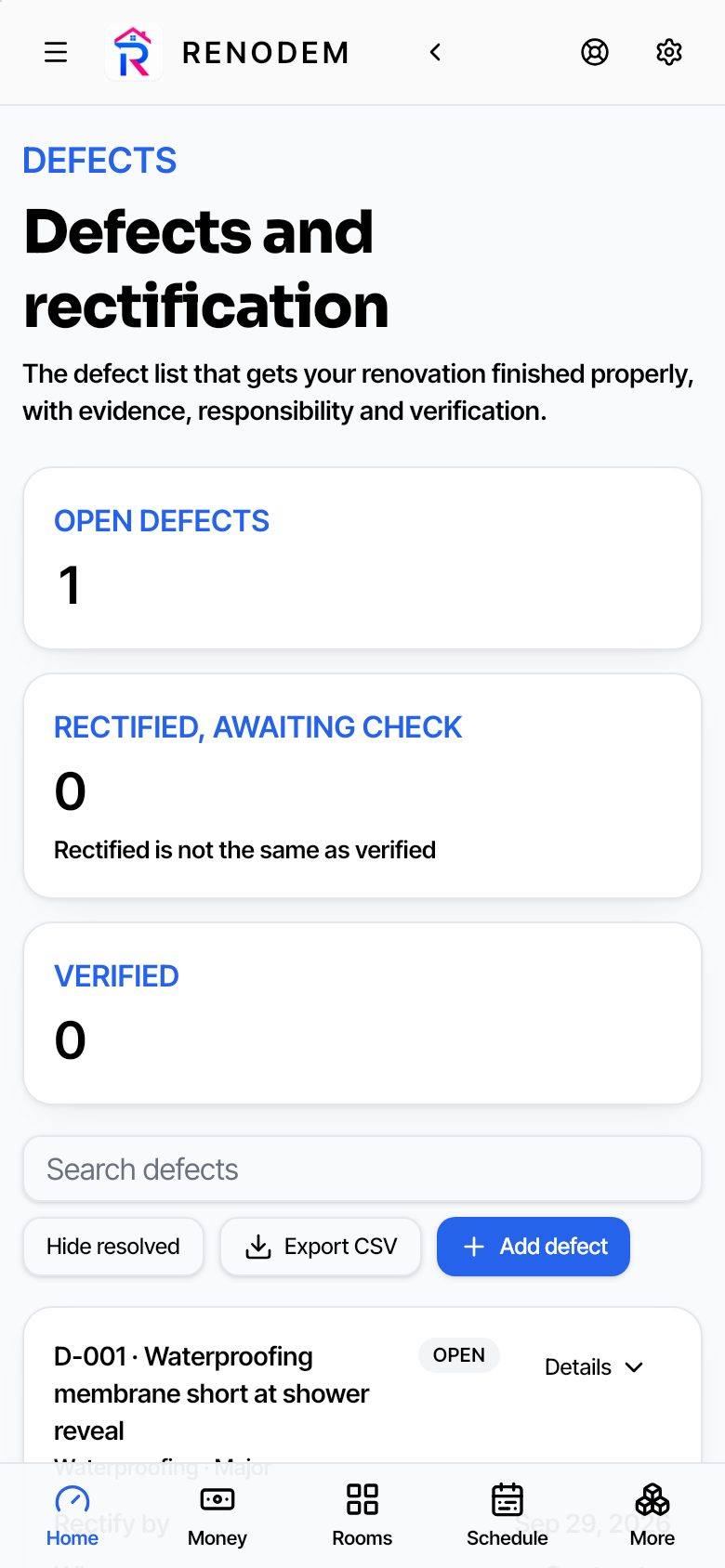
Defects with photos
Record, assign and verify every defect with photo evidence.
Documents and photos
Contracts, invoices, plans and progress photos in one place.
Design
Mood boards, finishes, measurements and calculators.
Handover and maintenance
Warranties, manuals and upkeep reminders after the trades leave.
Works on site
Install it on your phone like an app. Add Renodem to your home screen and open it with one tap.
No reception? No problem. Screens you've already opened keep working without reception.
Questions
Is this a subscription?
No. You pay once and Renodem is yours to keep. Your purchase includes 12 months of cloud sync and updates. After that, renewal is optional. If you don't renew, Renodem keeps working on your devices with all your data; only syncing between devices and new features pause.
Can I use it for more than one project?
Yes. You can run several renovation projects in one account and switch between them.
Which email do I use for Renodem?
Use the same email you buy with. When you open Renodem, create your account with that email and you're straight in. If you sign up with a different email, contact support@myappempire.com and we'll move your access.
Can my partner use it?
Yes. You can use Renodem on 2 phones or tablets and 1 computer on your account, all synced.
What if I change phones?
Go to Settings → Your devices, remove the old one, then sign in on the new one. You can remove one device every 30 days, or contact support if you need help sooner.
Is my data private?
Yes. Your project data is yours. It's never sold or shared with trades. Read the privacy policy.
Is this building or legal advice?
No. Renodem is a planning and record-keeping tool. Always get professional advice for building, legal or financial decisions.
Can I get a refund?
See our refund policy and terms of use.